A6 Notes Template
Wed 11 Feb 2026 08:54:20 AM MST
Files
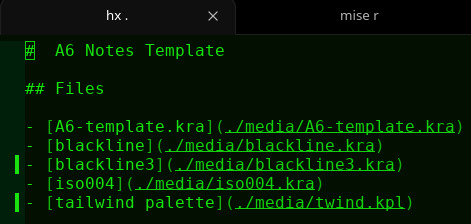
Messy Example
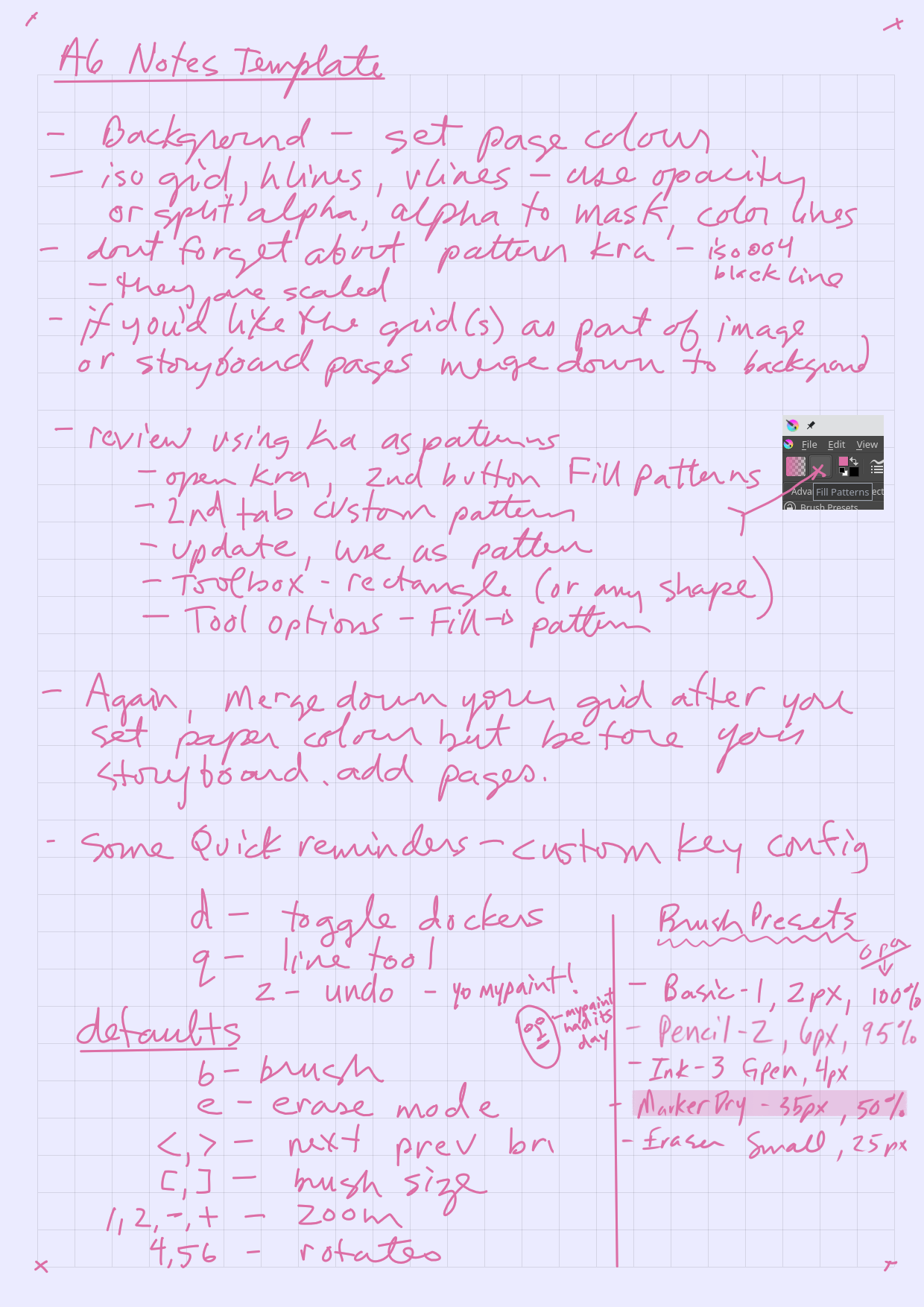
About the A6 Template
Method 1,
- Shade of grey lines, Any background color, Storyboard has lines
- Set background fill
- Select grid lines and set layer opacity
- Merge lines down to background
- Add Storyboard pages
Method 2,
- Any Color lines, Any background, Storyboard has lines
- Set background fill
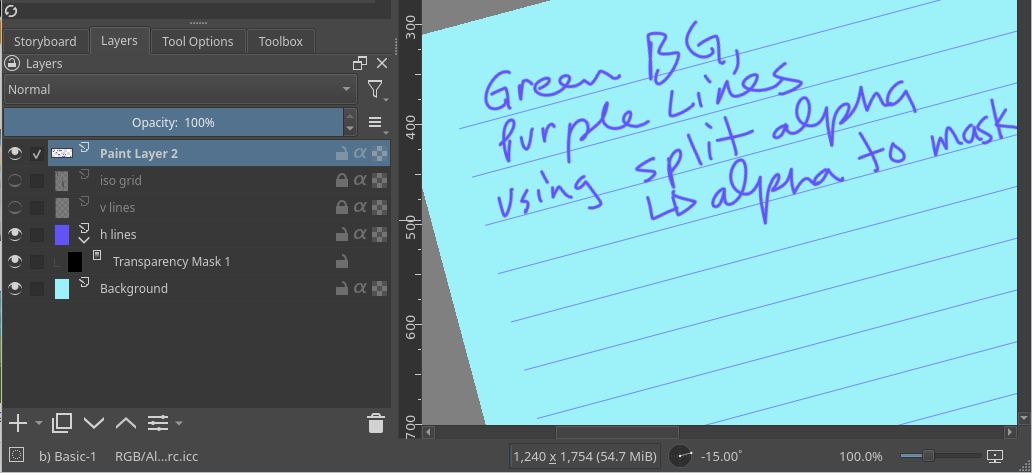
- Choose your grid layers, say you want hlines, keep the other lines layers hidden
- Right click layer, select split alpha, alpha to mask
- This creates a sub layer that masks out everything but the line, so now we color the lines, on the top layer
- Color the layer, however you like, rainbow if you want
- Merge layer down
- Add Storyboard pages
Using kra as pattern
Set the pattern
- Open the pattern file, ie blackline3
- Open Fill Patterns dialog from toolbar, Fill Patterns
- Select 2nd tab labeled Custom Pattern
- Click Update button (from drawing)
- Click Use as pattern button (shows in Fill Pattern toolbar now)
Use pattern
-
Pick a shape tool, rectangle probably
-
Set Tool options, (must have docker Tool Options open)
- set Fill –> pattern
- set scale (50 percent)
- set rotation, 90 for vert, btw, you can type in the slider
- outline, keeping in mind your current brush
-
Ensure layer opacity
-
Ensure not erase mode, or eraser
- unless you want a negative pattern, then, ignore
Defaults Rant
quick keys should be single keystrokes, for instance, undo needs to be simply z, not ctrl-z, that is my long rant
My Custom Keys for Notes
- d : toggle dockers
- q : line tool
- z : undo
Defaults that are relevant
- b : brush
- e : erase mode
- <,> : next prev brush
- 1,2,-,+ : zoom
- 4,5,6 : rotate
- [,] : brush size
Notes on brush palettes
-
next and previous brush keys depend on which brush palette you have selected in the toolbar, for notes, I have only 5 brushes
- Basic-1, 2px, 95% opacity
- Pencil-2, 6px, 95%
- Ink-3 Gpen, 4px
- MarkerDry, 35px, 50% opacity
- Eraser Small, 25px
Required Dockers
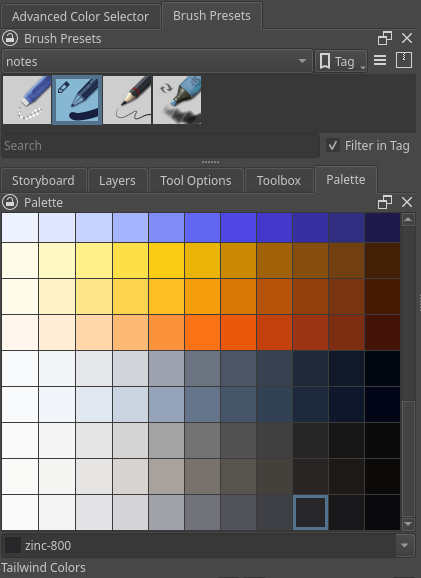
- Palette
- Toolbox
- Tool Options
- Layers
- Storyboard
- Advanced Color Selector
- Brush Presets
2026-02-10