Welcome 2026

Greetings, Peace to you and your loved ones.
My name is Darrell Dupas.
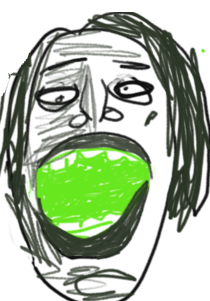
Let’s cover some of the 3 e’s
- Energy
- independent, flexible but worn out
- Education
- tinkerer frustrated by mental health issues
- Entertainment
- trying to give up pro sports, (baseball, basketball, soccer)
- trying to give up energy draining fps (war brokers)
- trying to give up yak shaving (linux)
Whats left, why care about me?
- I haven’t stopped learning, maybe we share interests? I am currently studying web development, parenting, cooking, french and anything mental health related.
- The elephant in the room? My Achilles’ Heel?, My mountain to climb? The source of my shame? - smoking marijuana.
Can I quit in 2026?

Playing Games
The video games I love most are Shisen-Sho and War Brokers. You might have found me through my War Brokers clan name, [FISH] Milan Kundera. I also spend a lot of time doodling in Krita.

Computer Comforts
Lately, I’ve been levelling up my coding setup and trying a few new things, like Devcontainers, Mise, Juijitsu, Helix, Mdbook, Krita and Nushell.
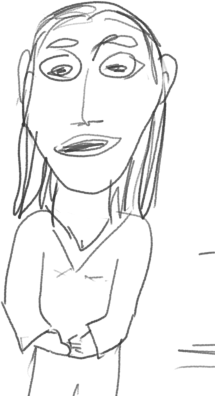
Current current
Can I turn my life around?
Can I build an e-commerce website?
Can I overcome crippling anxiety?

For who
Can I be an even better parent to my human and dog children?

Star me
The best way to contact me is email. I have a Zulip as well, current population 1. Haha, I’ve become a leary of corporate control of social media, so, aside from the unavoidable github and youtube, I only have email, zulip and I just started a peertube, but unsure what to put there yet. Oh, I also have a twitch, and am thinking about using that.
- github.com/dirtslayer - Projects
- trustnoone.zulipchat.com - Chat
- youtube.com/dirtslayer123 - You know what tube
- video.mycrowd.ca/c/less_is_more - Peer tube
- [email protected] - Email

H A V E A G R E A T D A Y
Container Project Management
Author: Darrell D, Feb 2026
Why
As a learner I am building new projects often; it is helpful if they are self documented and reproducible.
What podman gives you
A container that is independent of the host system, which allows you to build, run and deploy consistently.
What mise gives you
toml with bash run blocks avoids mixed language code for the most part
Mise is way to group and label a series of tasks, make a clear menu of those tasks, and provide you with feedback on each step. It can also act as a general purpose version manager, though, it is only used as a runner here.
if a line from a run block returns non 0, the run block stops, that is why false on a line by itself disables a task. Also, if you don’t care if a command succeeds you can append || true
You may end up recreating containers over top of existing mount, so mkdir will fail, but we don’t want the script to abort
What it looks like
devcontainers, the vscode / github codespaces containerized form are better than no containers,
but vscode obfuscates folder paths for your mount point (deep in ~.local) and a container image is created for every project, which pollutes your image directory, it also uses unrelated name, that is super annoying because you are correlating the stupid names with my stupid brain is incredible irritation
So what I’ve done here is each project starts in a folder with the mise.toml file, which provides tasks for creating and using a container. The container will have a name the same as the project. There is a user inside the container with the same name as your current user on the host. The project files will be mounted in a folder called mount, and when you enter the container that folder becomes your home folder inside the container.
You can work on your project files from outside the container in the mount folder, but you should build, run, deploy etc from the container to get a clean room.
Steps
-
Install Mise and Podman, refer to podman.mise.toml
-
create a folder for your project hello
mkdir hello
cd hello
- Place mise.toml Container Manager script inside the project folder
wget https://raw.githubusercontent.com/dirtslayer/project/refs/heads/main/mise.toml
-
Review mise.toml
- remove false’s at start of run section to enable task
- add your tooling to the PACKAGES variable in the setup-container task
-
mise run, to show task menu
-
steps in order of: 90, 99 from the mise.toml will create and setup your container
the container will have the same name as your project
-
disable steps 90,91,99 in the mise.toml
-
mise run, 01 to work on your project
-
mise run, 02 to update / install software inside container
-
enjoy not having to use devcontainers!
-
Star The Repo
Link: project repo
- Create an Issue, Create a PR
This scaffold is for Debian host and arch container. One could create other similar variations, like arch as a host with an alpine container.
My First PeerTube
Pattern


2026-02-01
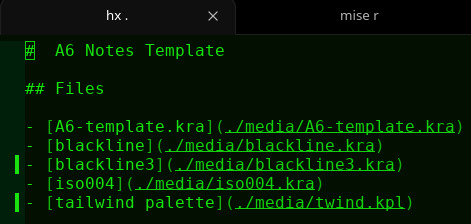
A6 Notes Template
Wed 11 Feb 2026 08:54:20 AM MST
Files
Messy Example
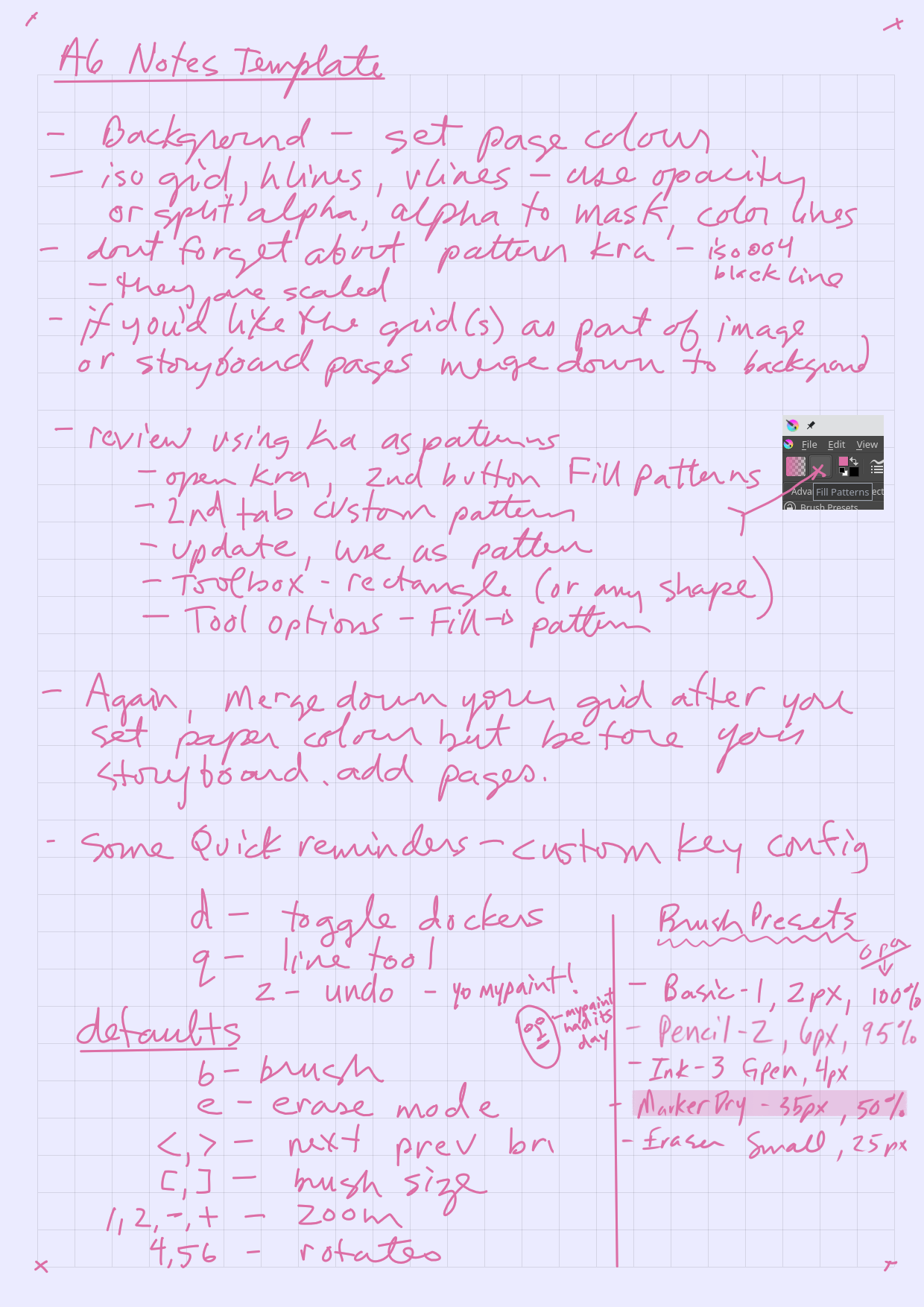
About the A6 Template
Method 1,
- Shade of grey lines, Any background color, Storyboard has lines
- Set background fill
- Select grid lines and set layer opacity
- Merge lines down to background
- Add Storyboard pages
Method 2,
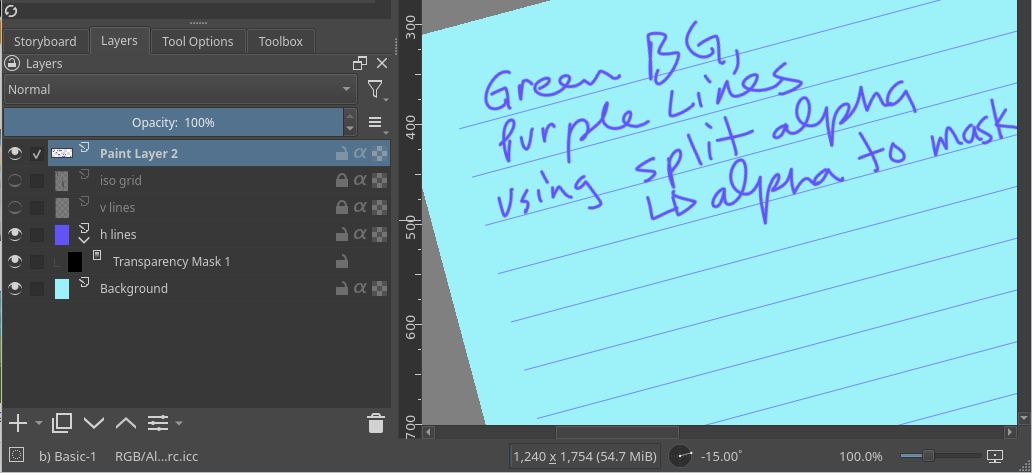
- Any Color lines, Any background, Storyboard has lines
- Set background fill
- Choose your grid layers, say you want hlines, keep the other lines layers hidden
- Right click layer, select split alpha, alpha to mask
- This creates a sub layer that masks out everything but the line, so now we color the lines, on the top layer
- Color the layer, however you like, rainbow if you want
- Merge layer down
- Add Storyboard pages
Using kra as pattern
Set the pattern
- Open the pattern file, ie blackline3
- Open Fill Patterns dialog from toolbar, Fill Patterns
- Select 2nd tab labeled Custom Pattern
- Click Update button (from drawing)
- Click Use as pattern button (shows in Fill Pattern toolbar now)
Use pattern
-
Pick a shape tool, rectangle probably
-
Set Tool options, (must have docker Tool Options open)
- set Fill –> pattern
- set scale (50 percent)
- set rotation, 90 for vert, btw, you can type in the slider
- outline, keeping in mind your current brush
-
Ensure layer opacity
-
Ensure not erase mode, or eraser
- unless you want a negative pattern, then, ignore
Defaults Rant
quick keys should be single keystrokes, for instance, undo needs to be simply z, not ctrl-z, that is my long rant
My Custom Keys for Notes
- d : toggle dockers
- q : line tool
- z : undo
Defaults that are relevant
- b : brush
- e : erase mode
- <,> : next prev brush
- 1,2,-,+ : zoom
- 4,5,6 : rotate
- [,] : brush size
Notes on brush palettes
-
next and previous brush keys depend on which brush palette you have selected in the toolbar, for notes, I have only 5 brushes
- Basic-1, 2px, 95% opacity
- Pencil-2, 6px, 95%
- Ink-3 Gpen, 4px
- MarkerDry, 35px, 50% opacity
- Eraser Small, 25px
Required Dockers
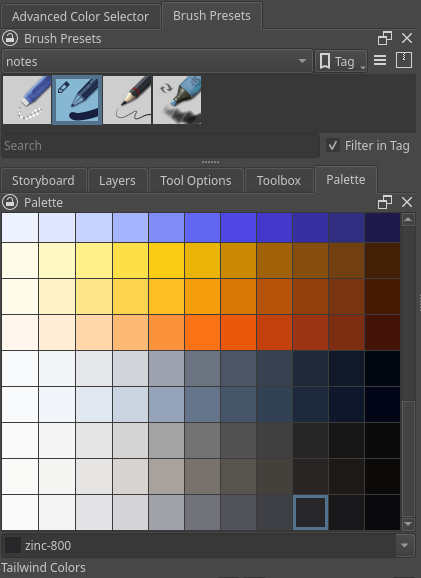
- Palette
- Toolbox
- Tool Options
- Layers
- Storyboard
- Advanced Color Selector
- Brush Presets
2026-02-10
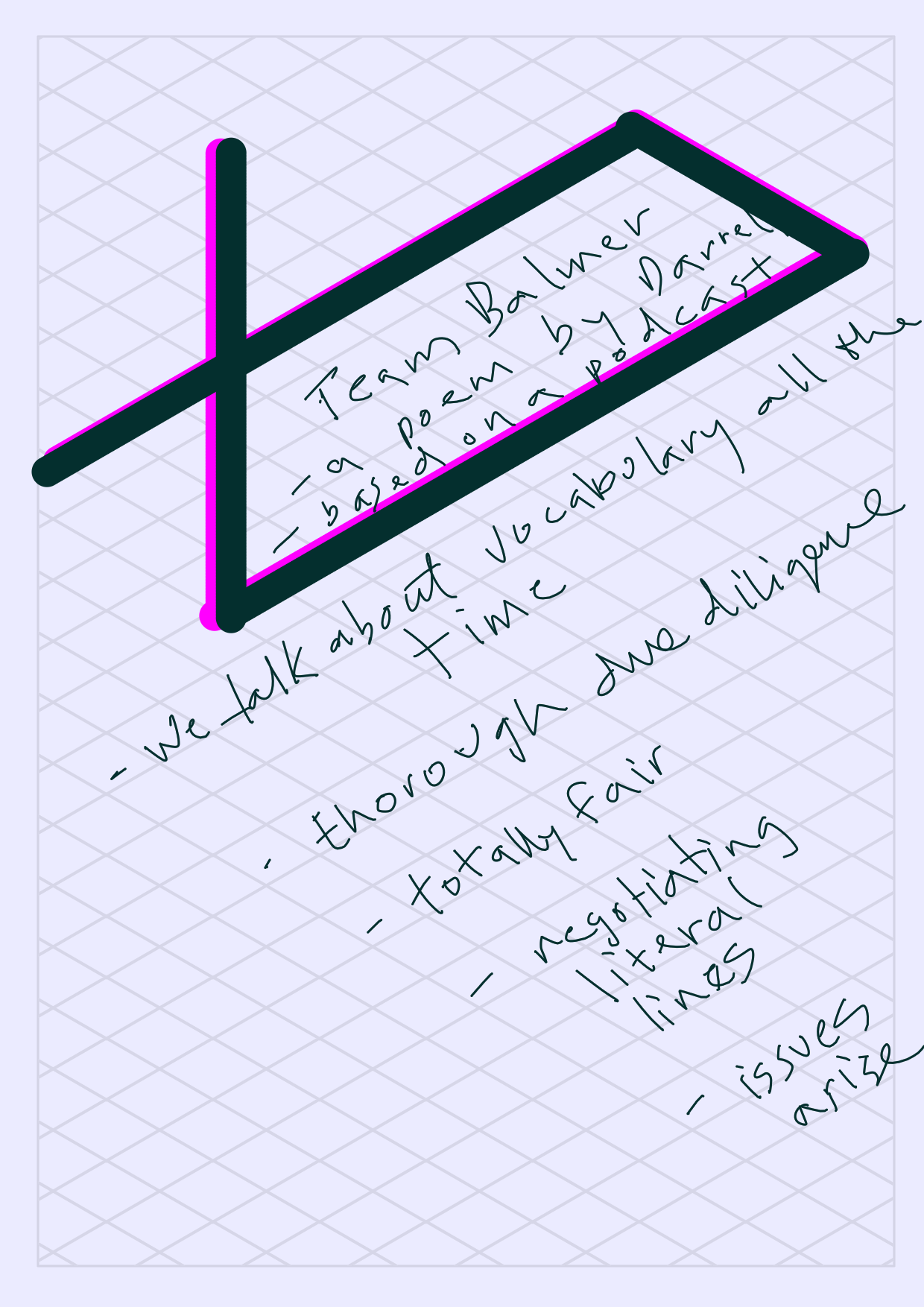
Team Balmer, A Poem
We talk about vocabulary all the time.
Thorough due diligence,
totally fair,
negotiating literal lines,
issues arise.
2026-02-11
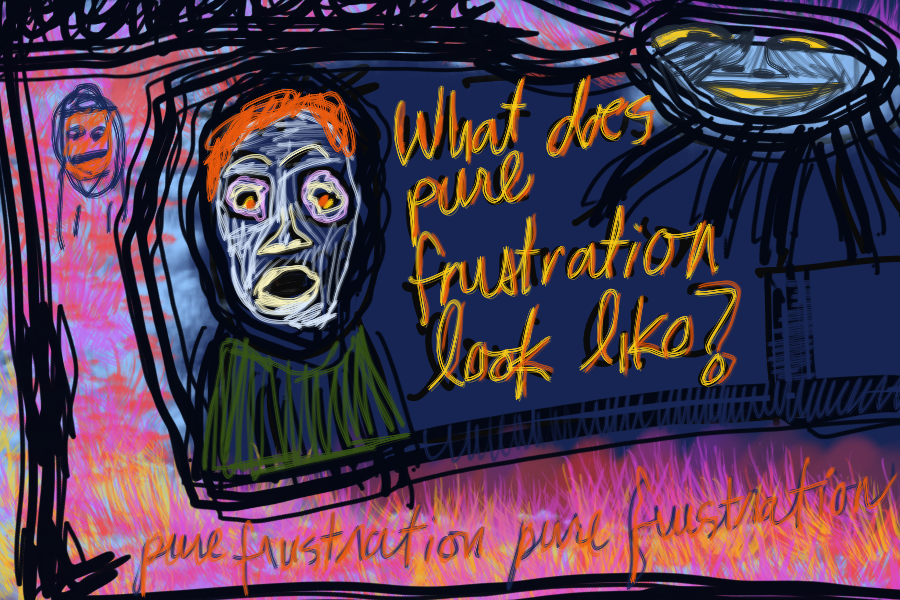
Pure Frustration
February 13, 2026
OSP Workshop - Self Esteem

- Mac (osp)
- Hailey
Looking at self-esteem …
- Takes effort
- Challenges negative beliefs about self
- Effects attitudes and behaviors
- Effects confidence
- Provides overall sense of worth
Factors that affect self-esteem
- Genetics
- Personality
- Age
- Experience
- Health
- Job
- Inner thinking
- Reaction to others
- Comparing to others
A person with low self-esteem …
- Avoids activities
- Uses addictive activities
- Is easily angered or irritated
- Will focus on weakness
- Has difficulty creating boundaries
- Is more sensitive to other peoples’ opinion
- Dislike self and has negative self talk
A person with too much self-esteem …
- Is arrogant
- Shows aggression
- Will do destructive behavior
- Is at risk for humiliation, anger, frustration
- Causes damage to relationships
A person with healthy self-esteem …
- Appreciates self and others
- Enjoys growing and finding fulfillment and meaning in their lives
- Has loving and respectful relationships
- Has the confidence to make good decisions
- Is more resilient and able to bounce back
Updated: Sunday, February 15, 2026
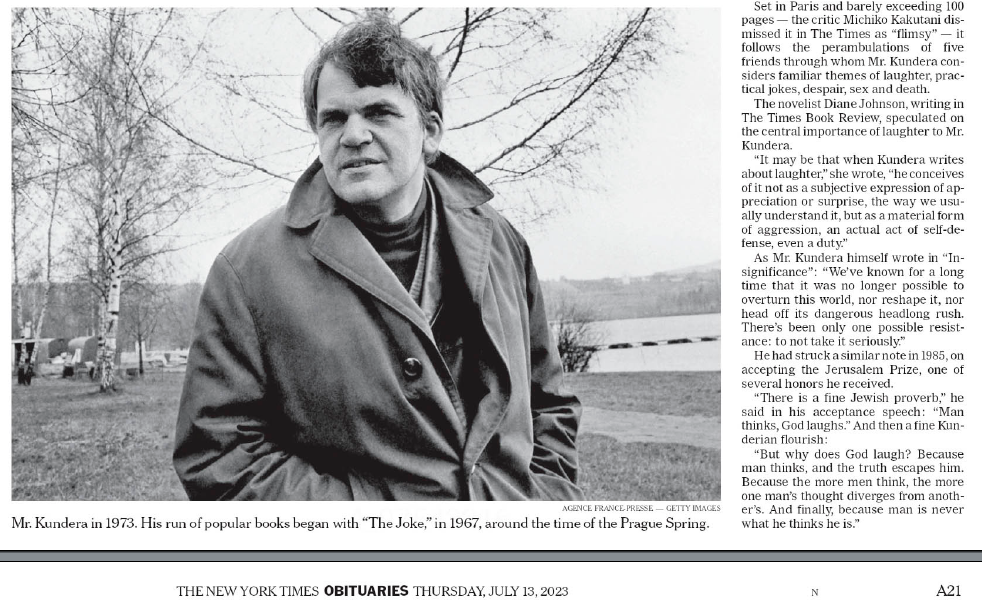
Milan Kundera Obituary
stay out of home
Wed 18 Mar 2026 10:54:26 PM MDT
~/.sudo_as_admin_successful
- In order to prevent this you can add the following to /etc/sudoers
Defaults !admin_flag
https://github.com/boldsoftware/exe.dev/issues/49
- of all the things wrong with this world, having a core utility drop files in home is near the top, another issue, linking to discord from anywhere not discord
Markdown Cheat Sheet
This is a modified version, for testing MDBook, but left as much as possible were there is no differences
Thanks for visiting The Markdown Guide!
This Markdown cheat sheet provides a quick overview of all the Markdown syntax elements. It can’t cover every edge case, so if you need more information about any of these elements, refer to the reference guides for basic syntax and extended syntax.
Basic Syntax
These are the elements outlined in John Gruber’s original design document. All Markdown applications support these elements.
Heading
H1
H2
H3
Bold
bold text
Italic
italicized text
Blockquote
blockquote
Ordered List
- First item
- Second item
- Third item
Unordered List
- First item
- Second item
- Third item
Code
code
Horizontal Rule
Link
Image

Extended Syntax
These elements extend the basic syntax by adding additional features. Not all Markdown applications support these elements.
Table
| Syntax | Description |
|---|---|
| Header | Title |
| Paragraph | Text |
Fenced Code Block
{
  "firstName": "John",
  "lastName": "Smith",
  "age": 25
}
Footnote
Here’s a sentence with a footnote. 1
Heading ID
My Great Heading
Definition List
- term
- definition
Strikethrough
Use double squigly ~~
The world is flat.
Task List
- Write the press release
- Update the website
- Contact the media
Emoji
That is so funny! :joy:
mdbook-emoji not installed, paste from emoji selector: 🚀
(See also Copying and Pasting Emoji)
Subscript
Use sub tag for subscript
H2O
Superscript
Use the sup tag for superscript
X2
-
This is the footnote. ↩